Introduction
You signed up for a new sending service, and its setup page told you to add a TXT record starting `v=spf1`. You added it. The service shows a green tick, and your main mailbox's messages have started landing in spam. Both records look correct on their own. Together they are broken.
Why Two Records Fail Everything
RFC 7208 §4.5 tells a receiver to collect every TXT record at your domain that starts with v=spf1. If there is more than one, the answer is permerror: the receiver does not pick the right one, it stops. Every message from the domain loses its SPF pass, from every sender, including the one that worked before.
A setup check that only looks for its own include will find it in the second record and report success. That is how a domain ends up with two records and a green tick.
example.com.  TXT  "v=spf1 include:_spf.google.com ~all"
example.com.  TXT  "v=spf1 include:mail.zendesk.com -all"
How To Merge Them By Hand
- Write
v=spf1once. - Copy every term from both records except their all terms, in their original order. Keep duplicates out: include:_spf.google.com twice still costs two lookups.
- Pick one policy for everything else and end with it, usually the stricter of the two once you have checked every real sender passes.
- Delete both old records and publish the merged one in their place.
v=spf1 include:_spf.google.com include:mail.zendesk.com ~allThree Traps When Merging
Terms After The All Term Were Never Live
Receivers stop reading at all (RFC 7208 §5.1), so v=spf1 a -all ip4:198.51.100.9 has never authorised that address. Moving the ip4 term before -all while merging would start authorising a server the old record never allowed. Drop it, or keep it only if you know that server sends for you.
A Redirect Is A Policy
redirect=_spf.example.net tells receivers to use another domain's record when nothing earlier matched. If one of the old records ends in a redirect instead of all, keep the redirect last and put the other terms before it, so they are checked first. If a record has both all and redirect, the redirect is already ignored (§6.1) and can go.
Merging Adds Up The Lookups
Each record was under 10 DNS lookups on its own, but the merged one has to stay under 10 in total. Count again after merging, or the fix for one permerror becomes another.
How SendCanyon Handles This
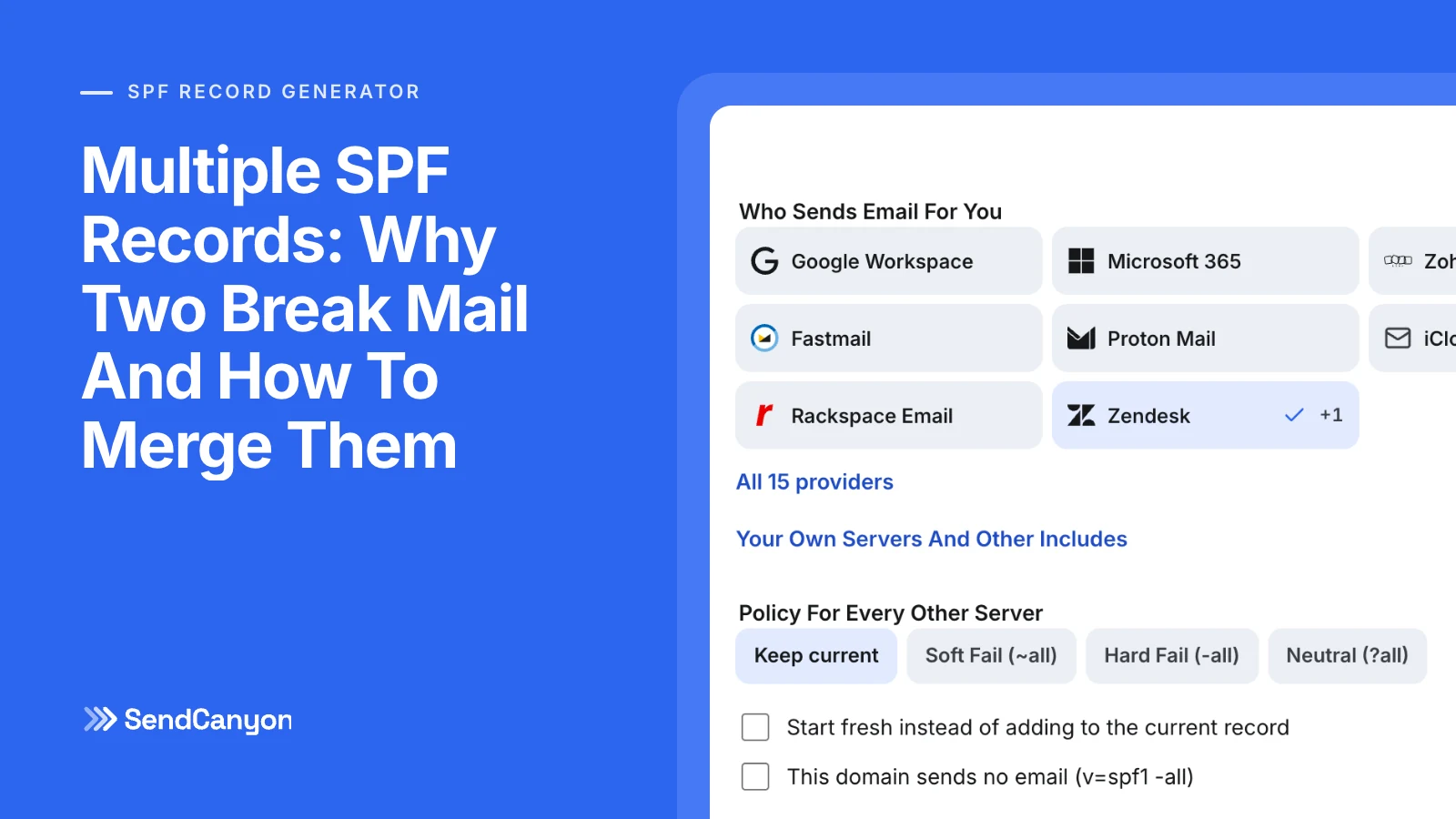
The free SPF record generator reads every SPF record at your domain and merges them into one. It keeps each term in its original order, drops what came after all, keeps a live redirect last, tells you what it changed and counts the lookups of the result. Its guide walks through publishing it.
In SendCanyon, domain verification under Senders → Domains reports two SPF records as an error rather than passing because one of them matched. It shows the merged record to publish in their place. For the wider DNS setup, see the DNS records that keep cold email out of spam.
Keep reading
- DeliverabilityLinks In Cold Email: What We Tested And What Gets FlaggedHow many links can a cold email carry, and which ones get it flagged? We tested shorteners, redirects, IP links and blocklisted domains through a spam filter.8 min read
- DeliverabilitySPF Softfail Or Hardfail? Choosing The Policy For Other ServersGoogle recommends ~all and Microsoft recommends -all. What each tells a receiver, how DMARC treats them, and how to choose without losing forwarded mail.3 min read