Introduction
Your SPF record ends in `~all` because that is what your mail provider's setup page said. Then a security review, or a forum thread, tells you `-all` is the secure choice and `~all` is for people who never finished their setup. You change it, and a week later mail forwarded through a customer's old address starts bouncing.
Both qualifiers are legitimate. The right one depends on what you have in place besides SPF.
What Each One Tells A Receiver
| Ending | Result | What RFC 7208 says receivers do |
|---|---|---|
| -all | fail | An explicit statement that the server is not authorised. What happens next is local policy; a receiver that rejects should use SMTP code 550 (§8.4). |
| ~all | softfail | The domain believes the server is not authorised but will not say so strongly. Receivers SHOULD NOT reject on this result alone, and MAY look more closely (§8.5). |
| ?all | neutral | No statement either way. Useful while testing, not as a lasting policy. |
| +all | pass | Every server on the internet passes. Never publish it. |
Where DMARC Changes The Answer
DMARC only cares whether SPF or DKIM produced an aligned pass (RFC 7489 §4.2). Softfail and fail are both not a pass, so under DMARC they count the same. If your domain signs with DKIM and publishes a DMARC policy, the policy decides what happens to unauthenticated mail, and the SPF qualifier matters much less.
The vendors disagree on the default for exactly this reason. Google's Workspace setup recommends ~all. Microsoft recommends -all once DKIM and DMARC are set up, because then DMARC can act on mail that fails SPF and carries no DKIM signature.
The Forwarding Problem
When a message is forwarded, the next server sees the forwarder's IP, which your record does not list, so SPF fails at that hop. RFC 7208 Appendix D describes this: SPF precludes arbitrary relays between sender and receiver. With -all, a receiver that rejects on SPF fail alone can bounce that forwarded message before DKIM is ever considered. With ~all, the message goes on to be judged by DKIM and DMARC, which survive forwarding as long as the message body is not changed.
How To Choose
- Domain that sends no mail at all:
v=spf1 -all. Nothing legitimate can fail. - New sending domain, or one where you are still finding every service that sends as you:
~all, with DMARC at p=none so the aggregate reports show what fails. - Domain with DKIM on every sender and a DMARC policy you trust: either works.
-allis a stronger statement, and~allkeeps forwarded mail in DMARC's hands.
Whatever you pick, test it with a real sending IP before you rely on it. The result names the exact term that decided it, which is how you catch a sender you forgot.
How SendCanyon Handles This
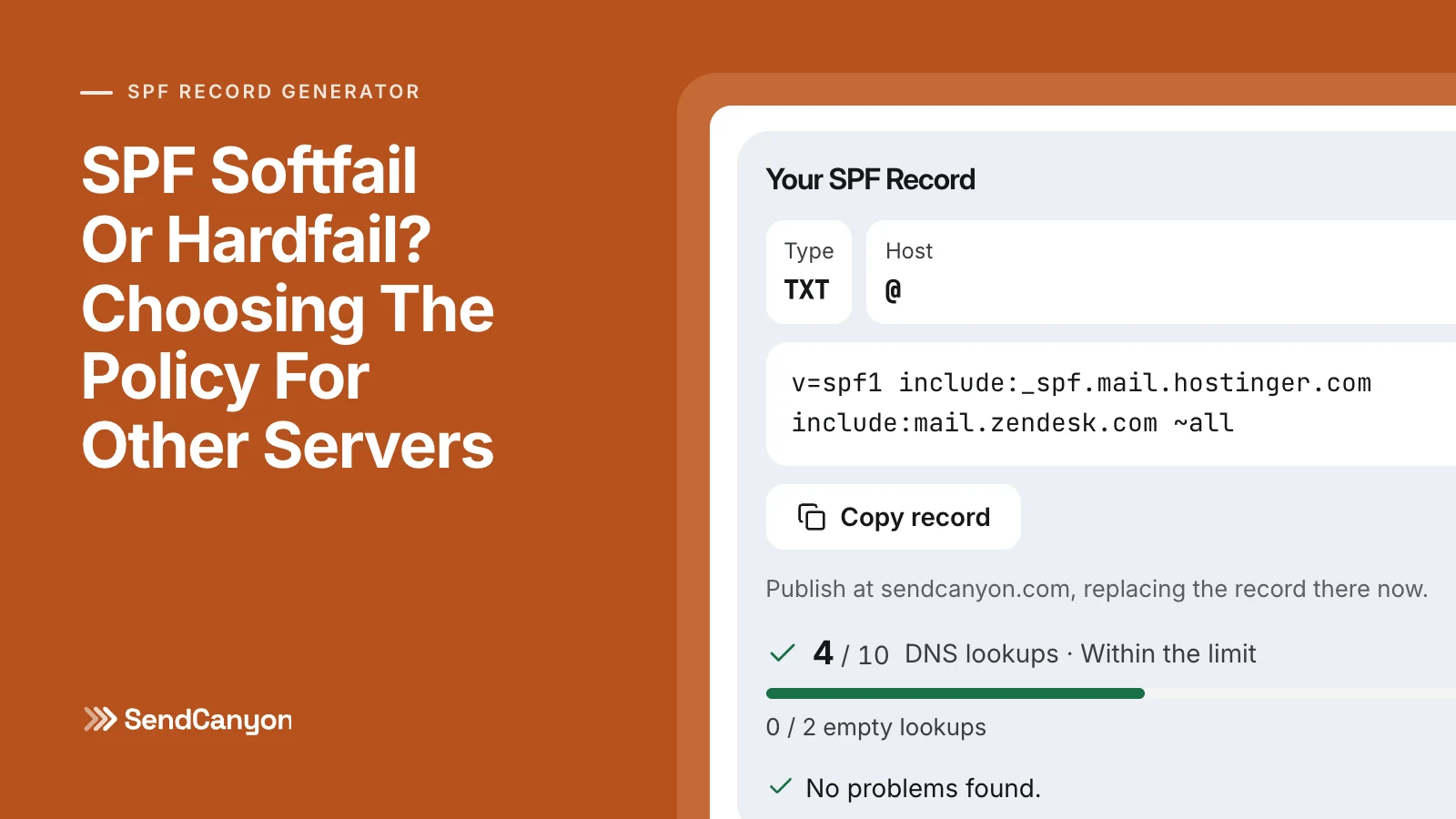
The free SPF record generator keeps your current policy unless you choose another, never outputs +all, and its Test An IP tab runs the same evaluation a receiver does, showing softfail or fail and the term that decided it. Its guide covers each option.
When you add a domain in SendCanyon, the records it asks for start with ~all for SPF and a DMARC policy of p=none with aggregate reports collected, so you can see what fails before you tighten anything. For how SPF, DKIM and DMARC fit together, see SPF, DKIM, DMARC explained for founders.
Keep reading
- DeliverabilityLinks In Cold Email: What We Tested And What Gets FlaggedHow many links can a cold email carry, and which ones get it flagged? We tested shorteners, redirects, IP links and blocklisted domains through a spam filter.8 min read
- DeliverabilityMultiple SPF Records: Why Two Break Mail And How To Merge ThemTwo TXT records starting v=spf1 make SPF fail for all of your mail. How to merge them into one without dropping a sender or changing what the old ones meant.2 min read