Introduction
A cold email template is usually tested in exactly one way: you send it to yourself, it arrives, it looks fine, and you launch. That test proves almost nothing. Your own inbox has years of history with your own address, it never complains about you, and it is one mailbox at one provider. The question that matters is different — how will a filter that has never seen you before read this exact message? — and you can answer most of it before a single prospect receives anything.
This guide walks through what a spam filter actually reads in a message, how a rule-based spam score is built, which phrases and patterns are worth rewriting, and a checklist you can run on every template before it goes into a sequence.
What a spam filter reads in your email
A receiving server does not judge your copy the way a reader does. It parses the message into parts and evaluates each one, then combines the results with everything it knows about the sender. Content is only one input, but it is the one you fully control at the moment you write the template. These are the parts it looks at.
The subject line
The subject is the most heavily patterned part of any message, because spam has used the same subject tricks for decades. Filters look for capitals across the whole line, repeated punctuation (!!!, ??), currency symbols, emoji strings, unusual spacing such as F R E E, and a fake Re: or Fwd: prefix on a message that is not a reply. That last one deserves emphasis: in the United States, CAN-SPAM prohibits deceptive subject headings outright, and recipients who feel tricked are exactly the ones who press the spam button.
The body copy
In the body, filters score phrases associated with spam (money, pressure, guarantees), shouting in capitals, clusters of exclamation marks, and words deliberately misspelt to dodge a filter — fr3e, v1agra, letters separated by dots. Obfuscation is a stronger signal than the plain word would have been, because legitimate senders have no reason to do it. Length matters too: a body of one line and a link reads like a phishing lure, while a wall of text with a dozen offers reads like a newsletter nobody asked for.
Links and the domains behind them
Every link domain in your message is looked up against URI blocklists such as Spamhaus DBL, SURBL and URIBL. A public link shortener is the classic own goal: the shortener's domain is shared with every spammer who ever used it, and hiding the destination is itself suspicious. Other link patterns filters dislike are bare IP addresses, plain http:// links, redirect chains, and link text that names one domain while the href points to another — the signature move of phishing. For cold email, one or two links is plenty, and the first touch often works best with none.
Images and HTML structure
An image-only message, or one where an image carries the words, gives the filter nothing to read except the fact that you hid the text — rule-based filters have dedicated rules for low text-to-image ratios. Images without alt text, hidden text (white on white, zero-size fonts), scripts, forms, external stylesheets and bloated HTML exported from a design tool all count against you. Gmail clips any message whose HTML exceeds 102KB, which also hides your footer and opt-out line. And a message sent as HTML with no plain-text alternative trips the HTML-only rule most content filters carry; a proper multipart/alternative message carries both.
Personalisation that did not render
Nothing marks a message as bulk mail faster than Hi {{first_name}}, arriving literally. Malformed merge fields, placeholders written in another tool's syntax, and spintax that your platform does not expand all leak through as raw text. Test the template with a real contact record, and test it in the format your sending tool actually uses.
Authentication and headers
A template checker can only tell you so much about this part, because authentication belongs to the sending domain rather than the copy. But it still sits on the same scorecard: SPF, DKIM and DMARC results, the From name and address, Reply-To, and whether the From address is on a free mailbox provider, which content filters score on its own. Since February 2024 Google and Yahoo have required SPF, DKIM and a DMARC record from anyone sending 5,000 or more messages a day to their users, along with a spam complaint rate below 0.3% in Postmaster Tools (see Google's email sender guidelines). If those are not in place, no amount of copy editing will save the template — start with the DNS records behind spam placement.
How spam filter scoring works
Rule-based content filters sit behind a large share of hosting providers, corporate mail gateways and self-run servers. Gmail and Microsoft run their own machine-learning systems on top, but a rule-based score is still the most useful model of how a content filter thinks, because every decision it makes is itemised.
It works by running hundreds of rules against the message. Each rule that matches adds its points to a running total; some rules subtract points, such as a valid DKIM signature or a listing on a whitelist like DNSWL. When the total reaches the threshold — commonly 5.0 — the message is marked as spam. A typical breakdown looks like this:
Spam filter score: 6.0 (threshold 5.0)

 points  rule triggered
------  --------------------------------------------
   2.0  HTML with images and very few words
   1.1  Message only has text/html MIME parts
   0.8  Subject is all capitals
   1.2  Contains a URL listed on a domain blocklist
   1.0  Sender address is on a free mailbox provider
  -0.1  Message has at least one valid DKIM signature
The point values above are illustrative; real scores depend on the filter, the rule updates installed and the server's local configuration. What carries over is the shape of the problem. No single word sank this message. Four structural choices did — an image-heavy HTML body with no plain-text part, a capitalised subject, a listed link and a free-mail From address — and each one is fixable in minutes once you can see it.
Phrases worth rewriting, and what to say instead
Individual words rarely decide placement on their own — we cover why in spam trigger words in cold email. But some phrases do two kinds of damage at once: they add points in content filters, and they make a stranger's email read like an advertisement, which drives the complaints that hurt far more. These are the ones that turn up most in cold templates.
| Instead of | Why it hurts | Try |
|---|---|---|
| Act now / Limited time only | Manufactured urgency from someone the reader has never met | Is this worth a look before your Q1 planning? |
| 100% free / Absolutely free | Classic offer language, often scored as a phrase | There is no cost to try it on one campaign |
| Guaranteed results | An unverifiable promise; reads as advertising | Here is what it changed for a team your size |
| Click here | Generic call to action on a link from a stranger | Name the destination: the two-minute demo video |
| Earn $$$ / Double your revenue | Money symbols and income claims are heavily patterned | Cut the time your reps spend on list cleanup |
| Dear Friend / Dear Sir or Madam | Signals that nothing about the message is personal | Hi Maya, |
| Re: Our conversation (no prior thread) | Deceptive, and prohibited as a subject under CAN-SPAM | A plain, honest subject: Question about your outbound |
| Special promotion / Exclusive deal | Puts the email in the promotional bucket | Say the specific thing you are offering |
| URGENT!!! | Capitals plus repeated punctuation in one line | Remove both; urgency in cold email backfires |
The pattern behind every row is the same: replace a generic claim with a specific, verifiable statement about the reader. That rewrite helps the filter and the human in one move.
How to test a template, step by step
- Render it with real data. Fill every merge field from an actual contact record and read the result as the prospect would see it. Look for empty fields, odd capitalisation of names and broken spintax.
- Run a content check. Paste the rendered message — or better, the exact
.emlyour sending tool produces — into a template checker that scores subject, body, links, images, HTML and personalisation separately, and that shows you a real spam filter score with the rules it triggered. - Fix every failed check before any warning. A failed check is something a filter or a law treats as a problem; a warning is a judgement call. Clear the failures, then decide which warnings are worth the change.
- Look up your link domains. Make sure no link domain, including your tracking domain, is on Spamhaus DBL, SURBL or URIBL. A listing on a link you cannot change means removing the link.
- Check the plain-text version. If you send HTML, confirm a plain-text part exists and says the same thing. If you send plain text, confirm your tool is not converting it to HTML with a tracking pixel you did not ask for.
- Send a placement test. Content is clean; now find out where the message actually lands at Gmail, Outlook, Yahoo and others, from the mailbox and domain you will really send from.
- Re-test after every material edit. A new link, a new signature or a pasted image can change the result. Treat the template like code: if it changed, it gets checked again.
The pre-send checklist
- Subject under about 60 characters, sentence case, no
!!!, no fakeRe:, no currency symbols. - Body reads as one person writing to another: a specific reason for writing, one clear ask.
- No obfuscated words, no capitals for emphasis, at most one exclamation mark.
- One or two links at most, on your own domain, over HTTPS, with link text that matches the destination. No public shorteners.
- No image-only content; every image has alt text; no hidden text, scripts or forms.
- HTML under Gmail's 102KB clipping limit, with a matching plain-text part.
- Every merge field renders from a real record; no placeholders from another tool.
- A clear way to opt out, and a reply-to address that a human reads.
- From address on your own verified sending domain, never a free mailbox, with SPF, DKIM and DMARC passing.
- Spam filter score comfortably below the threshold, and a placement test done from the real sending mailbox.
On the opt-out line: Google's and Yahoo's bulk-sender rules require one-click unsubscribe — the List-Unsubscribe and List-Unsubscribe-Post headers defined in RFC 8058 — for marketing and subscribed messages from senders over the 5,000-a-day threshold. Whatever your volume, a plain sentence such as "If this isn't relevant, reply and I won't follow up" gives a reader an alternative to the spam button, and that matters more than any phrase on this page.
Testing templates in SendCanyon
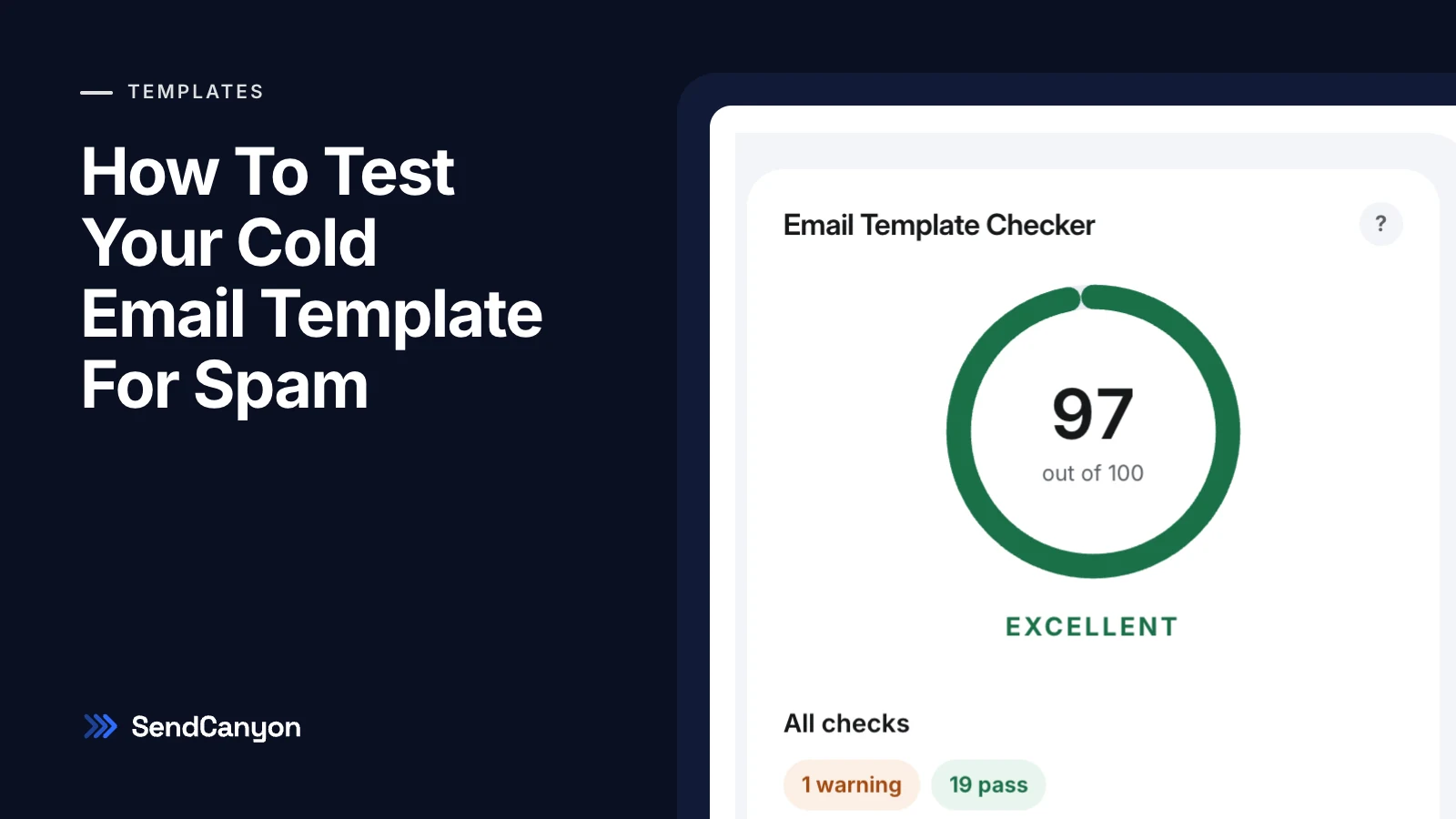
If you want a quick read on a draft, the free email template checker runs it through the same kind of content checks described above. Inside SendCanyon, the template checker goes further: paste plain text or HTML, load a step from a sequence, or upload an .eml, and you get a score from 0 to 100 with every check marked Failed, Warnings or Passed. The message is scored by our spam filter — you see the score, the threshold and every rule it triggered — and body copy is checked against a spam phrase list our team maintains. When something fails, Help me fix it asks SpirenAI to rewrite only the flagged parts while keeping your merge fields, links and signature, and shows each edit before you apply it. The template checker docs cover the scoring in detail.
Once the template passes, run an inbox placement test from the mailbox you will send with. Content and placement are two different questions, and a template is only ready when both have a good answer.
Keep reading
- DeliverabilityLinks In Cold Email: What We Tested And What Gets FlaggedHow many links can a cold email carry, and which ones get it flagged? We tested shorteners, redirects, IP links and blocklisted domains through a spam filter.8 min read
- DeliverabilitySPF Softfail Or Hardfail? Choosing The Policy For Other ServersGoogle recommends ~all and Microsoft recommends -all. What each tells a receiver, how DMARC treats them, and how to choose without losing forwarded mail.3 min read